

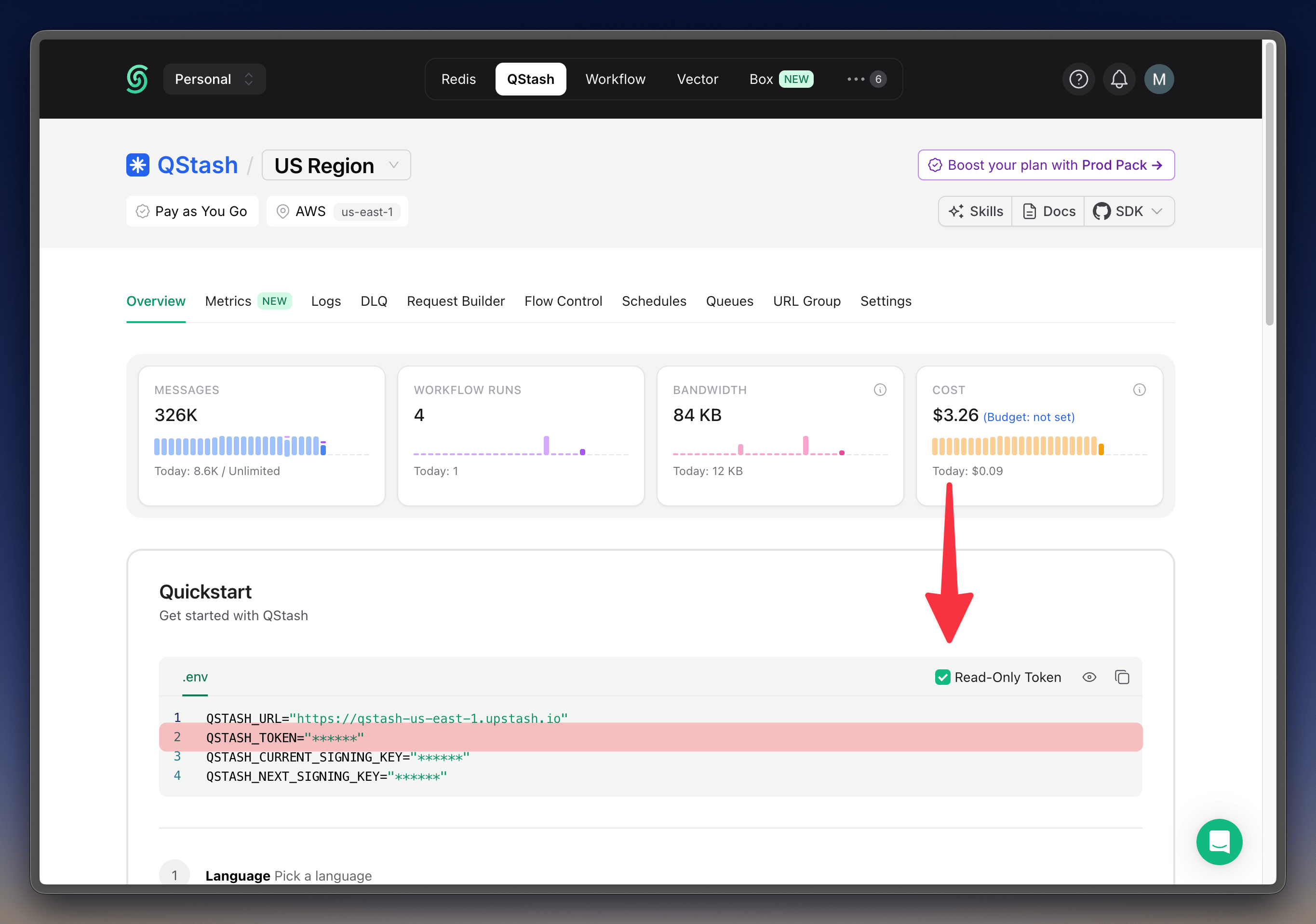
Note that a read-only token can still access sensitive data such as logs and messages.If you want to share your token without exposing sensitive data, you can use the “Redact Fields” feature to hide sensitive data from the logs and resources.
Related topics
Read-only TokenConnecting with Read-Only AccessREST APIBuilding a Serverless Notification API for Your Web Application with RedisSearchBar