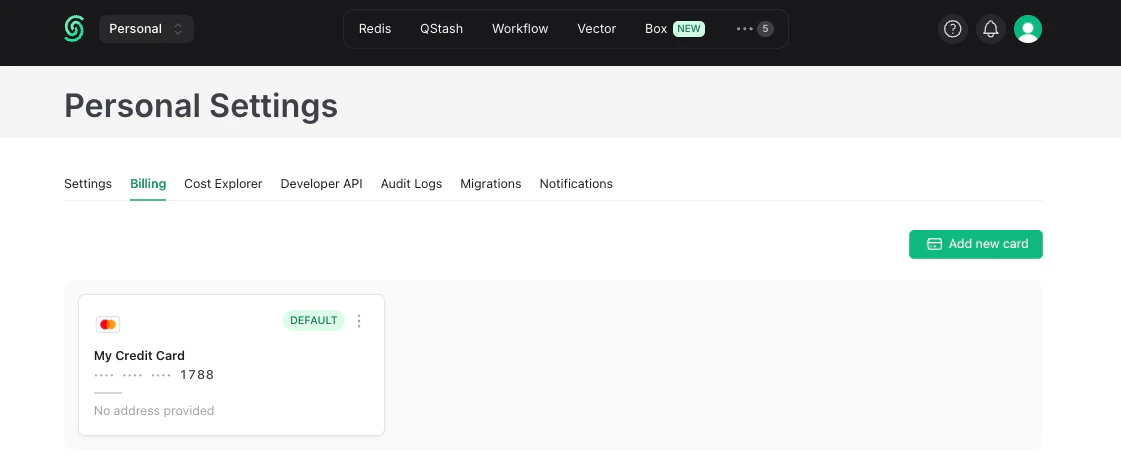
- Sign in to the Upstash Console.
- Click your profile in the top right and select
Accountfrom the dropdown. - Open the
Billingtab. - Click
Add Your Card. - Enter your name and card information in the form that appears:
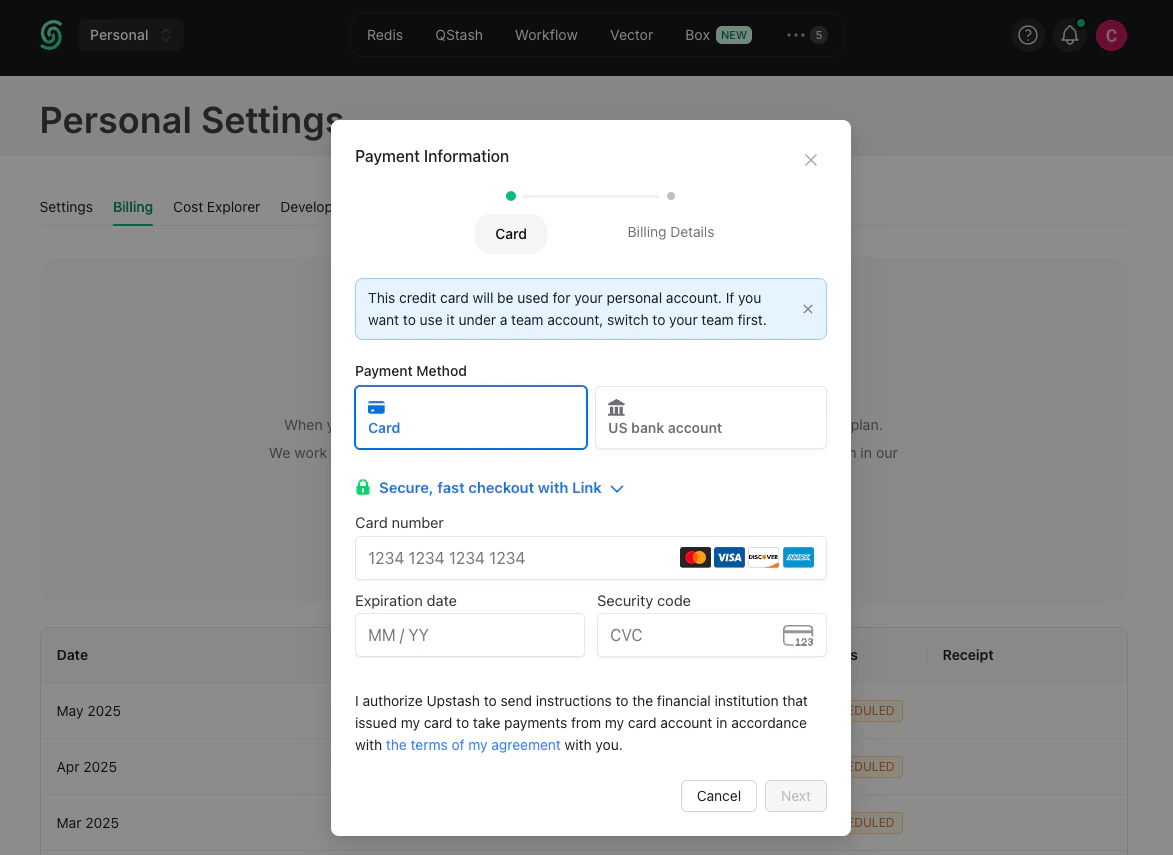
Adding your first payment method moves every free resource on the account to
its paid plan, including all Redis databases and your QStash, Vector, Search
and Blob resources. See Upgrade Your Database.